Move a large batch
Copy folders, camera cards, video files, photos or archives between local and external drives.
 VeloCopy
FILE COPY FOR MAC
Move large batches between drives with a clear view of progress and a SHA-256 check before completion.
MADE FOR REAL MOMENTS
Copy folders, camera cards, video files, photos or archives between local and external drives.
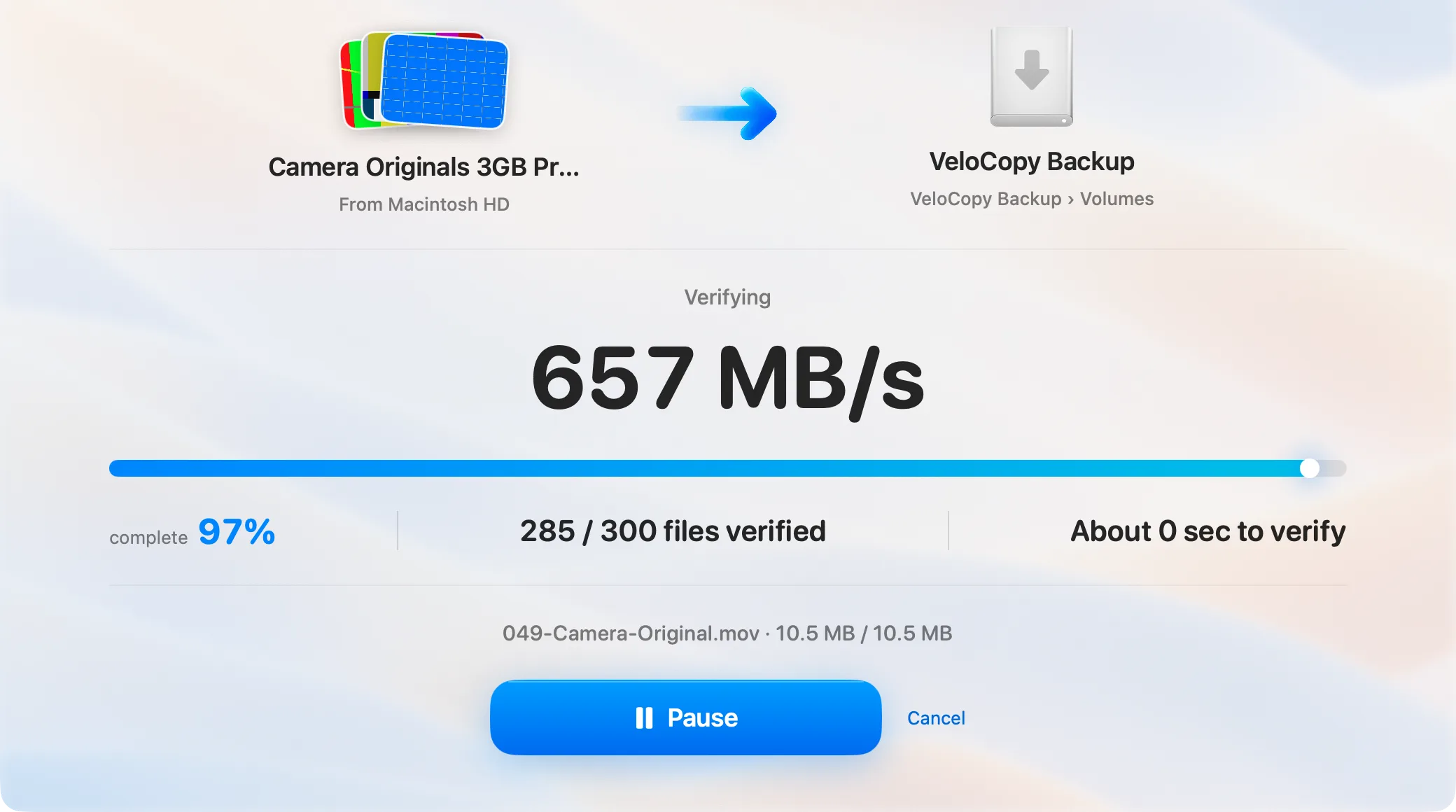
Follow speed, progress, file counts and remaining time. Pause, resume or cancel when needed.
Each destination file is verified with SHA-256. Conflicting files are detected instead of silently overwritten.
KNOW WHAT YOU ARE GETTING
VeloCopy does not require an account or upload files to the cloud. You choose the source and destination.
Read the privacy policy ↗QUESTIONS
Yes. Destination files are checked with SHA-256 before the job is reported complete.
You can choose to eject the source drive after verification.
A USEFUL FIRST STEP